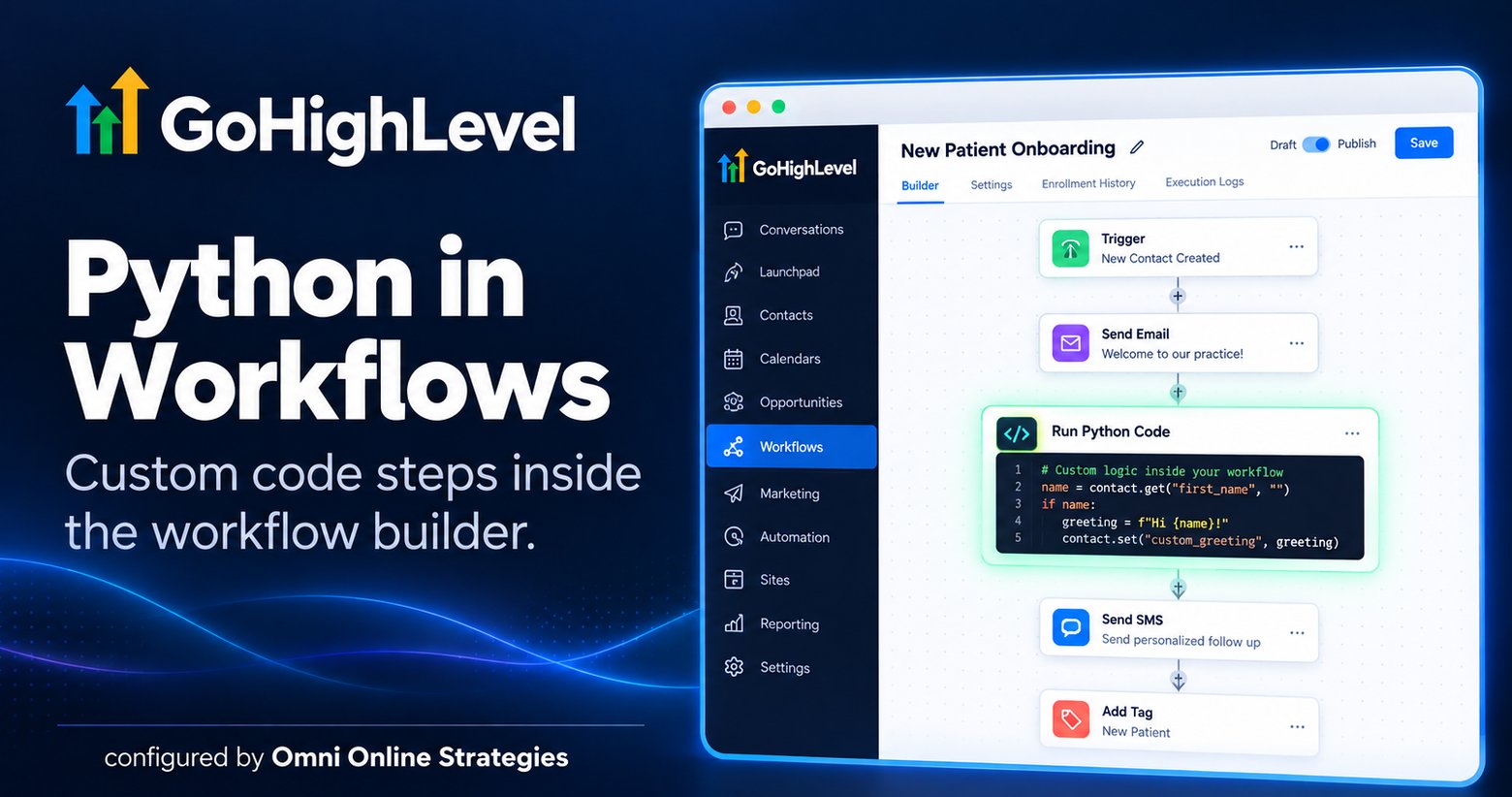
GoHighLevel added a Run Python Code step directly inside the workflow builder in 2026, giving an otherwise no code automation platform a genuine escape hatch for logic that a simple trigger and action chain cannot express.
Where it sits in a workflow
The Python step drops into a workflow like any other node, positioned between whichever steps need it. A common pattern: a trigger fires, an email sends, the Python step runs custom logic against the contact's data, for example checking a field and building a personalized value, then the result feeds into the next step, an SMS or a tag update.
What it is actually for
The step exists for the specific cases where GoHighLevel's built in actions do not cover the logic needed, conditional formatting, custom scoring, string manipulation that goes beyond a simple merge field. It is not meant to replace the drag and drop workflow builder for the majority of automations, most patterns, reminders, tagging, routing, still do not need it.
For an agency building more advanced automations for clients, this closes a real gap. Before this shipped, logic too complex for the native action set meant routing out to an external tool through a webhook. Now that logic can live inside the workflow itself.
Ready to try it yourself? Start a GoHighLevel account here.
You can also see this in action in our GoHighLevel AI employee demo.