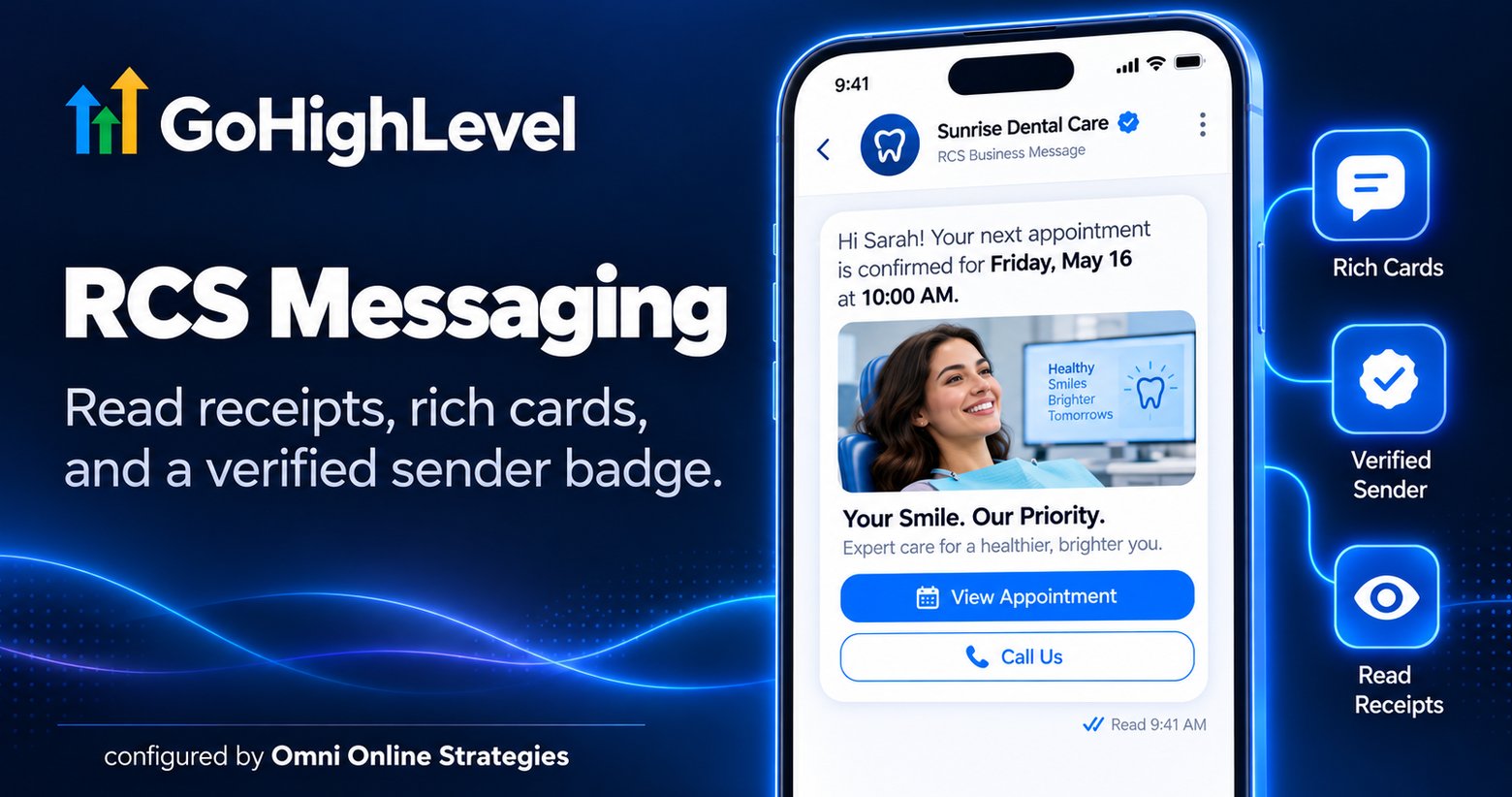
GoHighLevel added native RCS messaging in 2026, sitting alongside the platform's existing SMS setup rather than replacing it. The only requirement to start sending is a registered RCS sender ID.
What RCS adds over standard SMS
Traditional SMS has a real ceiling: a phone number as the sender, no images, no buttons, and no way to know whether a message was actually read. RCS shows up in a customer's native messaging app the way a real brand should, with a business name, a logo, a verified sender badge, images, and tappable action buttons, plus read receipts and typing indicators, all without the recipient needing to download anything.
Where it delivers, and where it falls back
On an Android device that has opted into RCS, the message renders with the full rich feature set. On an iPhone running iOS 18 or newer, RCS messages show up in the same green bubble thread as SMS, but still carry read receipts, typing indicators, and higher resolution media than plain SMS would support. Where RCS is not available to a specific recipient, the message falls back to standard SMS automatically.
For a business sending appointment confirmations, review requests, or promotions, the practical upside is a message that looks and reads like it came from a real, verified business, not an unknown phone number, without needing a third party messaging layer bolted on top of GoHighLevel.
Ready to try it yourself? Start a GoHighLevel account here.
You can also see this in action in our GoHighLevel AI employee demo.