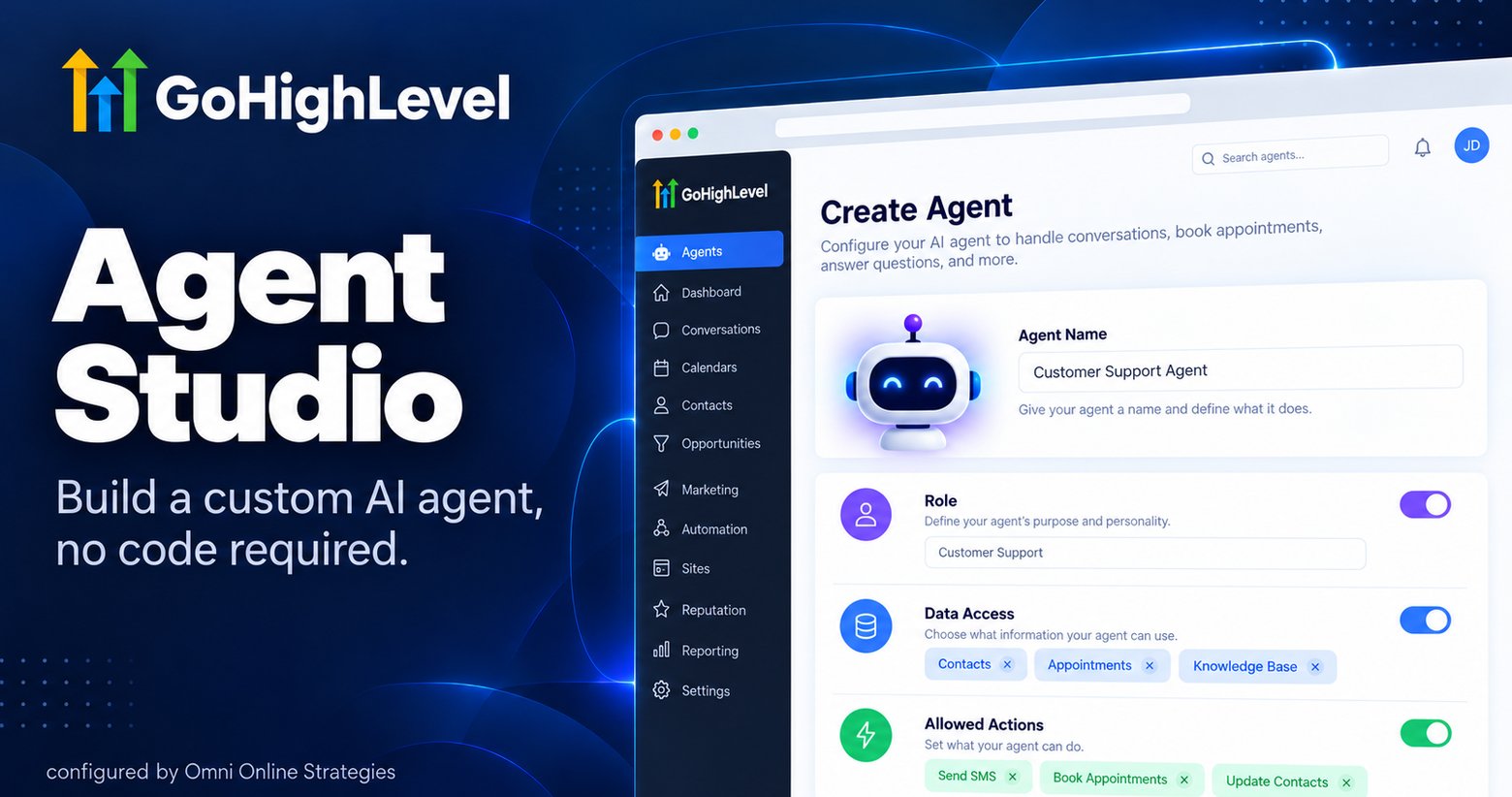
Agent Studio is where GoHighLevel lets an account go beyond the five prebuilt AI Employee roles and assemble a purpose built agent from scratch, without writing code.
What gets configured
Building an agent in Agent Studio means setting three things: the agent's role, what data it is allowed to see, and which actions it is allowed to take. A role might be an intake qualifier for a specific service line, scoped to see only contact and calendar data, and allowed to tag a contact, book an appointment, or notify the team, nothing more. That scoping is deliberate, an agent only does what it has explicitly been given permission to do.
Why this matters beyond the five prebuilt roles
The AI Employee bundle's five roles, Voice AI, Conversation AI, AI Appointment Setter, AI Receptionist, AI Social Media Manager, cover the common front desk functions. Agent Studio exists for everything more specific than that: an agency that wants an agent trained on one particular service line's intake questions, or a business with a qualification flow that does not match any of the five prebuilt patterns.
Once built, where it lives
A finished agent attaches to a channel, chat, SMS, or voice, the same way the prebuilt AI Employee roles do. It is not a separate system running alongside GoHighLevel, it operates inside the same contact and conversation records as everything else in the account.
The honest limitation: Agent Studio is a no code builder for a role beyond the five prebuilt agents, but it is still bounded by what GoHighLevel's own action set supports. It is not a general purpose AI agent framework, it is a way to configure a more specific version of the same kind of agent the AI Employee bundle already ships with five of.
Ready to try it yourself? Start a GoHighLevel account here.
You can also see this in action in our GoHighLevel AI employee demo.