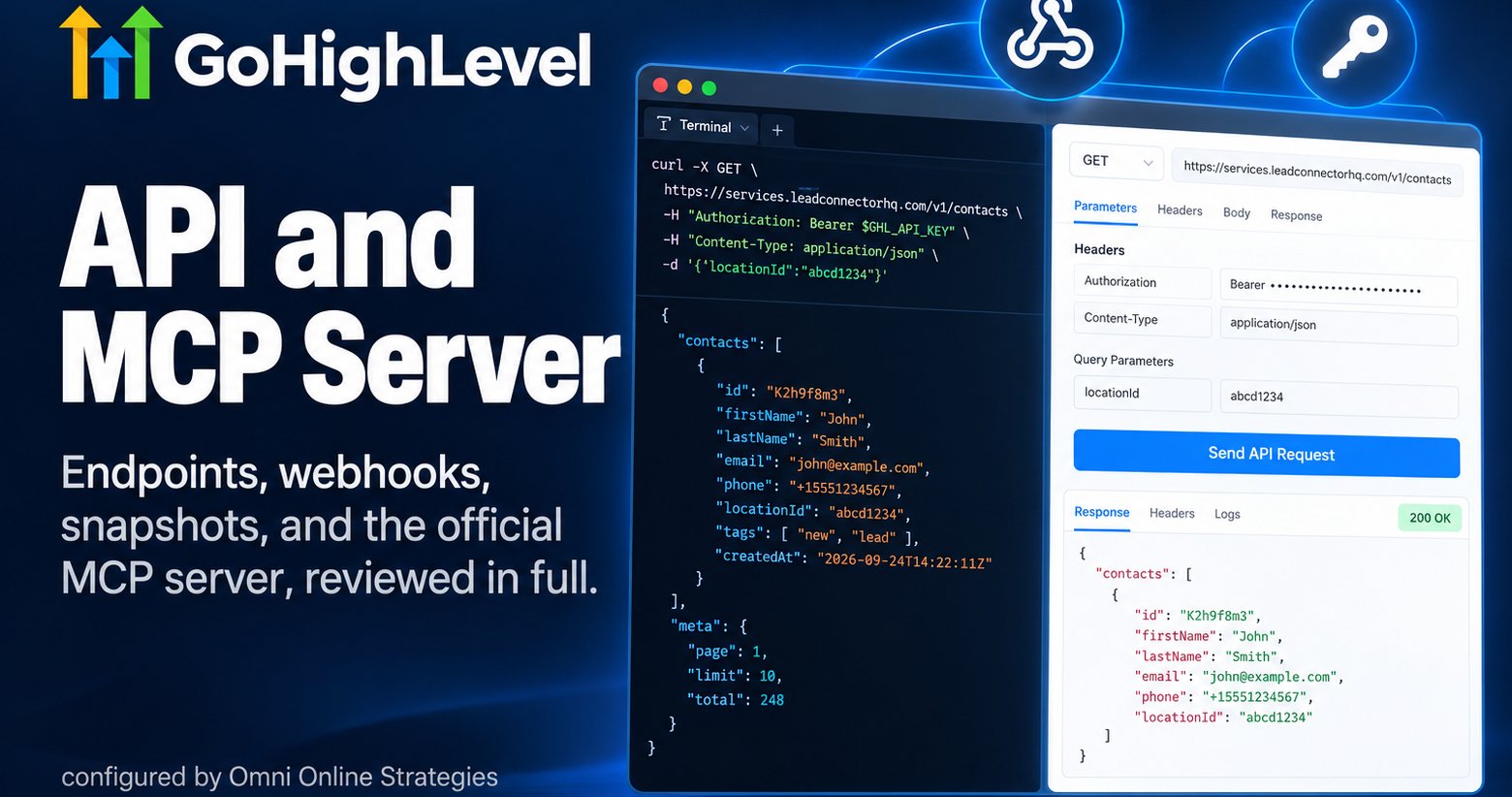
Most coverage of the GoHighLevel API stops at a list of endpoint category names. That is not useful to anyone actually building on it. This review covers what happens when you sit down to build: how authentication actually works, why there is no sandbox and what people do instead, what the rate limits really are once you look past the marketing number, how webhooks are architected in practice, the real difference between custom fields, custom values, and custom objects, and snapshots, which is arguably the single most important feature for any agency running multiple client accounts on this platform.
1Authentication: OAuth apps versus Private Integration Tokens
GoHighLevel supports two distinct authentication paths, and picking the wrong one for the job causes real friction later.
Scopes matter more than they first appear. Every integration needs the scopes it actually uses granted up front, and a missing scope does not always fail loudly, in some integrations a missing contacts.readonly scope causes the entire connection test to fail rather than just the contact specific calls, which makes debugging a scoping mistake more confusing than it should be.
2The sandbox situation, and what to actually use instead
What GoHighLevel does offer, and it is worth knowing about, is an interactive API console built directly into the documentation, officially described as step three of making your first API call. Pick a language, paste in a real Bearer Token and a real locationId, and click Send API Request to try an endpoint without writing any code first. It is genuinely useful for exploring the API quickly. The detail that matters: the base URL it calls is services.leadconnectorhq.com, the exact same production host every real integration uses, there is no separate sandbox subdomain behind it. Every request sent through that console is a live one against real account data, it is a convenience for testing calls, not an isolated environment that protects production data the way a true sandbox does.
What experienced builders do for actual isolation is functionally the same idea, just self managed: spin up a separate GoHighLevel trial account or dedicate one existing sub account purely to development, create test contacts with clearly labeled emails so they can never be mistaken for real leads, and clean that test data out regularly. It works, but it means the discipline of keeping test and production separate is entirely on the person building the integration, GoHighLevel will not enforce it for you.
3Rate limits, the real picture
The number that gets repeated most often, 100 requests per 10 seconds, is real, but it is the figure the official MCP server applies as its own internal safety throttle, not necessarily the platform's full standard limit. The actual REST API baseline is higher.
When a limit is hit, the API returns an HTTP 429 with a Retry-After header telling you exactly when to try again, and every response carries X-RateLimit-Limit, X-RateLimit-Remaining, and X-RateLimit-Reset headers so a well built integration can see it coming rather than getting surprised by a 429.
4Webhooks, and the sync pattern that actually works
APIs handle requests you make. Webhooks push a notification to your system the moment something happens on GoHighLevel's side, a contact created, a tag added, an opportunity moved. For anything event driven, this is the correct architecture, not a polling loop checking every few minutes for what changed.
The requirements
- The receiving endpoint must be HTTPS, GoHighLevel will not send webhook events to a plain HTTP address
- Webhook signatures should be validated on receipt, not just trusted because the request arrived
- A staging endpoint that mirrors the production configuration is worth setting up before connecting anything to live client data
The bidirectional sync pattern that actually works
Store GoHighLevel's own contact.id as a field in your external system the moment a contact is created or first retrieved, that avoids a search step on every future call. For true two way sync, also store your own system's unique identifier as a custom field back inside GoHighLevel, commonly named something like external_user_id, so a webhook arriving from GoHighLevel can be matched back to the correct record in your system without ambiguity.
// received webhook payload includes GHL's contact id
{
  "contactId": "ghl_c_9f2a...",
  "customField": { "external_user_id": "usr_48213" }
}
// look up locally by external_user_id, not by name or email5Custom fields, custom values, and custom objects
These three sound similar and get confused constantly, and the API treats them very differently.
6Snapshots, the feature that makes agency work possible
A Snapshot captures a sub account's entire configuration, workflows, funnels, pipelines, email and SMS templates, calendars, forms, custom fields, and tags, and packages it into a reusable template that deploys to a new or existing sub account in minutes rather than rebuilding everything by hand. For an agency onboarding client after client onto the same base system, this is the single feature that makes that repeatable at all.
The honest operational reality, echoed by agencies actually running this at scale: a meaningful part of client onboarding time goes into keeping the master Snapshot itself clean, fixing workflow logic drift, removing duplicate funnels, standardizing naming so the next deployment does not inherit last year's mess. A well maintained Snapshot library is a real operational asset, but it needs upkeep like any other piece of infrastructure, it does not stay clean on its own.
7The official MCP server
GoHighLevel runs its own official MCP server at services.leadconnectorhq.com/mcp/, not a community project, GoHighLevel's own. Point Claude, GPT, or any MCP compatible agent at that endpoint with a Private Integration Token and the agent gets direct read and write access to contacts, calendars, conversations, opportunities, custom fields, custom objects, and ecommerce data, without writing custom integration code for each of those areas separately.
Setup: inside a sub account, go to Settings, then Private Integrations, create a new integration, select only the scopes the agent actually needs, and copy the token. The official build covers roughly 21 core tool groups. Community built MCP servers on GitHub claim far more, some as high as 900 plus tools, but those are self hosted and self secured, GoHighLevel does not operate or guarantee them.
8What each plan actually unlocks
| Plan | Monthly | API Access |
|---|---|---|
| Starter | $97 | None |
| Unlimited | $297 | Basic API |
| Agency Pro | $497 | Advanced API, full endpoint access, MCP server |
To generate an API key from the agency view: log in as agency admin, go to Settings, then Agency View, then Settings again, then Business Info, and the API Key section sits on that page. It is a few clicks deep, not exposed on the main dashboard.
9The honest verdict
What actually works well
- Snapshots turn repeatable agency onboarding into minutes instead of hours
- The official MCP server is a real, first party option, not left entirely to the community
- Rate limit headers and clear 429 responses make graceful handling straightforward to build
- Webhooks plus the contact.id pattern support genuine two way sync without constant polling
What to plan around
- No API or MCP path to create or edit a workflow definition, that is UI only, confirmed directly in HighLevel's own tool documentation
- No dedicated sandbox, test data discipline is entirely on the builder
- Custom fields, values, and objects are easy to confuse and do not transfer between sub accounts on their own
- Snapshots skip contacts, billing, and third party connections, every deploy needs a manual reconnection pass
- Advanced API sits behind the $497 a month Agency Pro plan, a real cost floor
- MCP access is one sub account per connection, not agency wide
For a business that already knows it needs real programmatic access, this is a capable, actively maintained API with a genuinely good webhook and snapshot system underneath it. The gaps are all planning problems, not dealbreakers, know there is no sandbox, know custom data does not travel automatically, know a Snapshot still needs a manual reconnection pass, and this becomes straightforward to build on well.
Ready to try it yourself? Start a GoHighLevel account here.